From quote to cash, branded.
Invoices, credit notes, debit notes and payments on your own templates, fiscalised where they need to be, and posted to the ledger the moment they are issued.
Invoicing software that produces compliant, branded documents
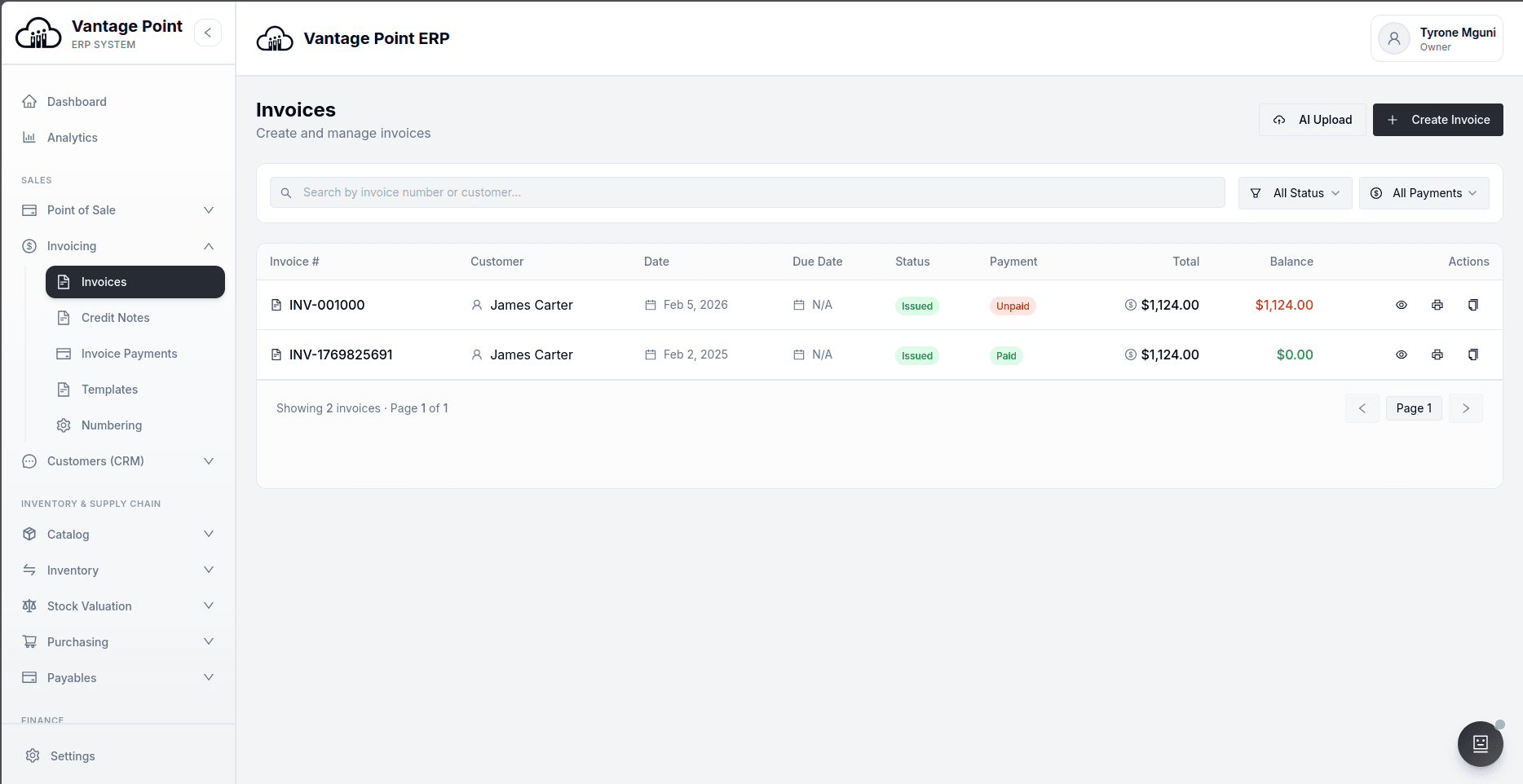
An invoice has two jobs. It has to look like it came from a serious business, and it has to be right in the ledger. Software usually does one of these well. A word processor produces a handsome document that accounting knows nothing about; an accounting package produces a correct entry attached to a document nobody wants to send. Vantage Point does both from one action: issuing an invoice posts the revenue, the tax and the debtor entry, and renders a properly typeset PDF on your own template at the same time.
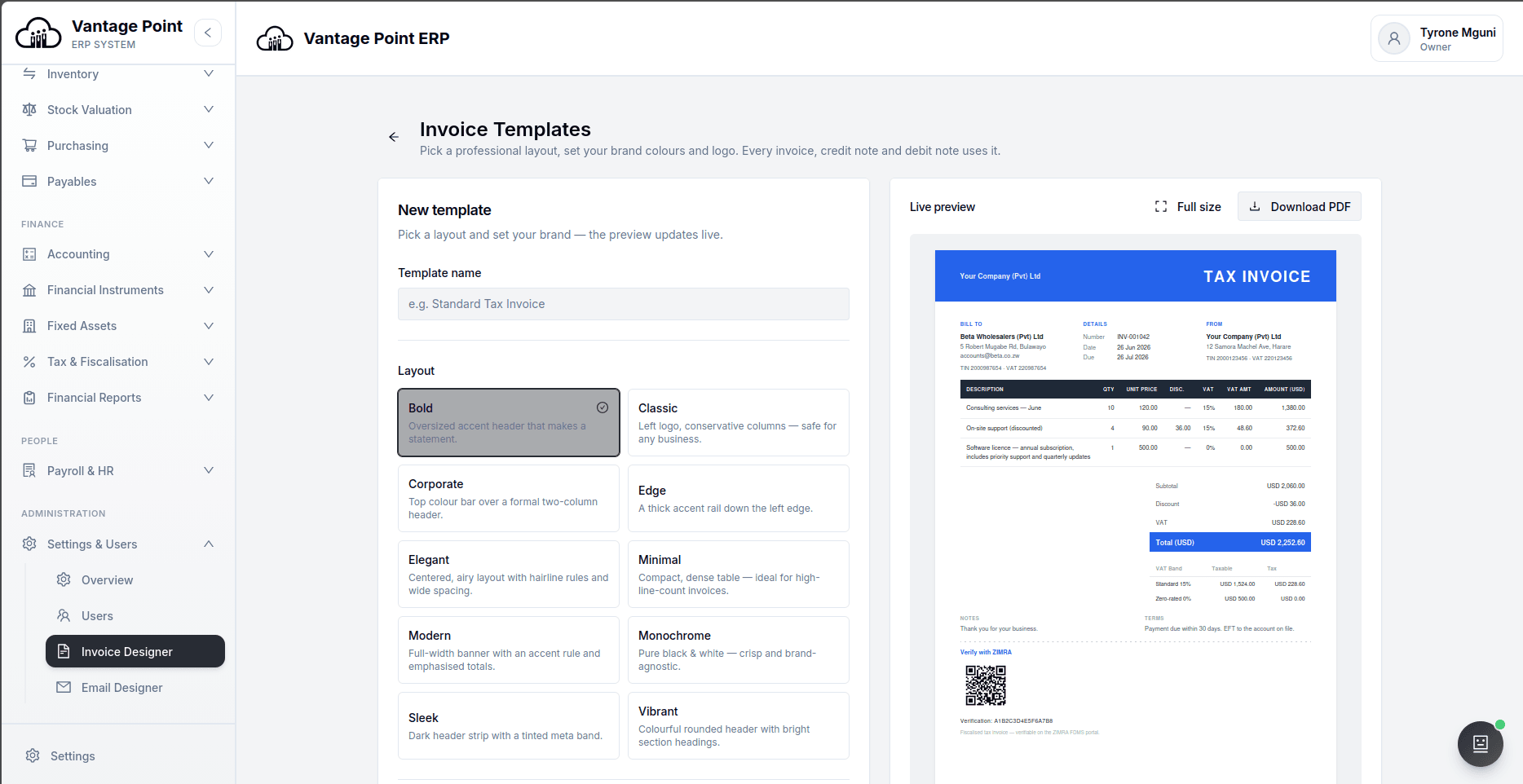
The templates are real designs rather than a logo dropped into a grid — ten professional layouts carrying your brand colours and company details, with a ZIMRA verification QR code on every fiscalised invoice. Foreign currency invoices carry the rate they were raised at, stamped on the document, with the conversion handled in one place so the figure on the page and the figure in the ledger cannot drift apart. Withholding tax is handled on the document rather than adjusted for afterwards.
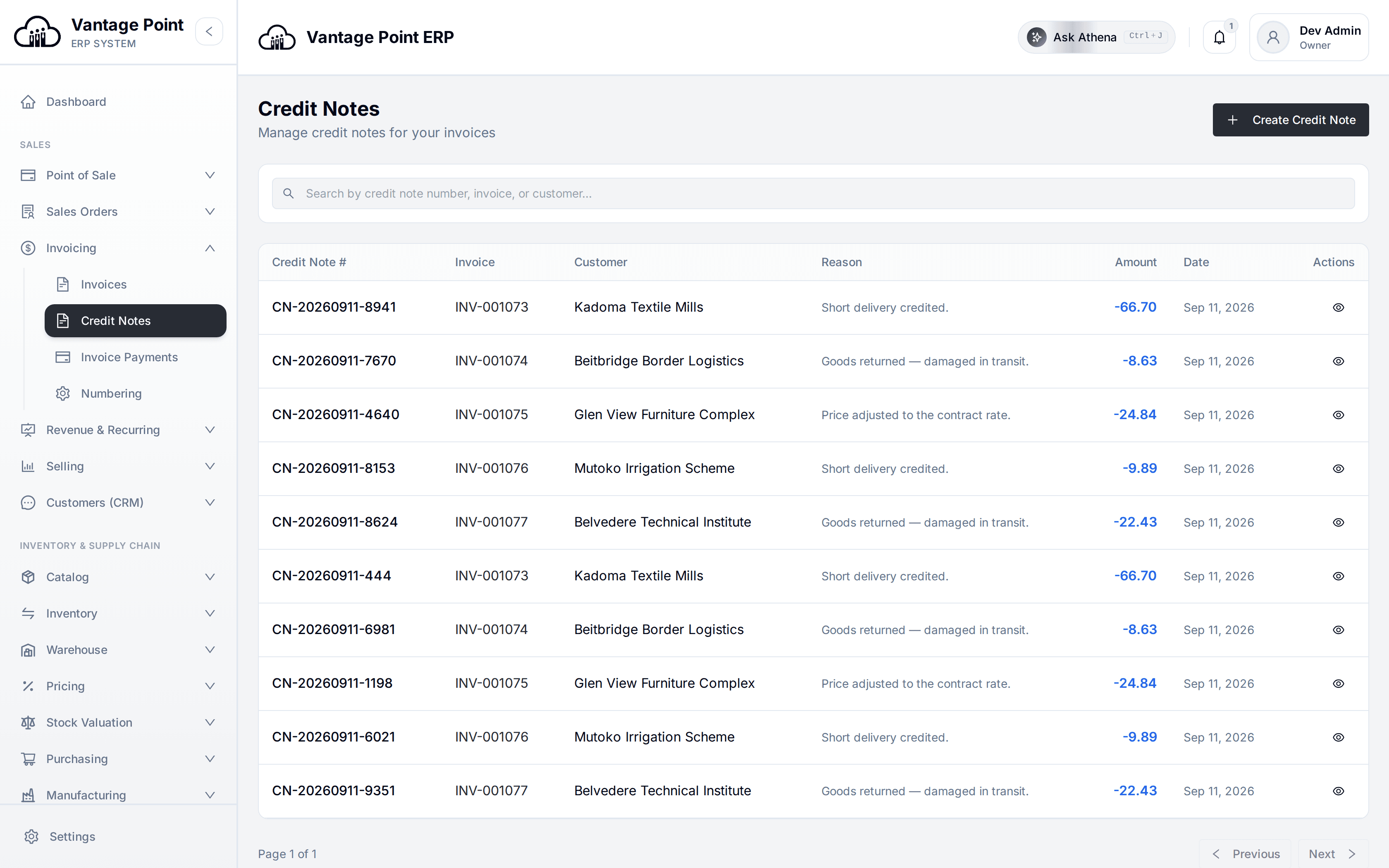
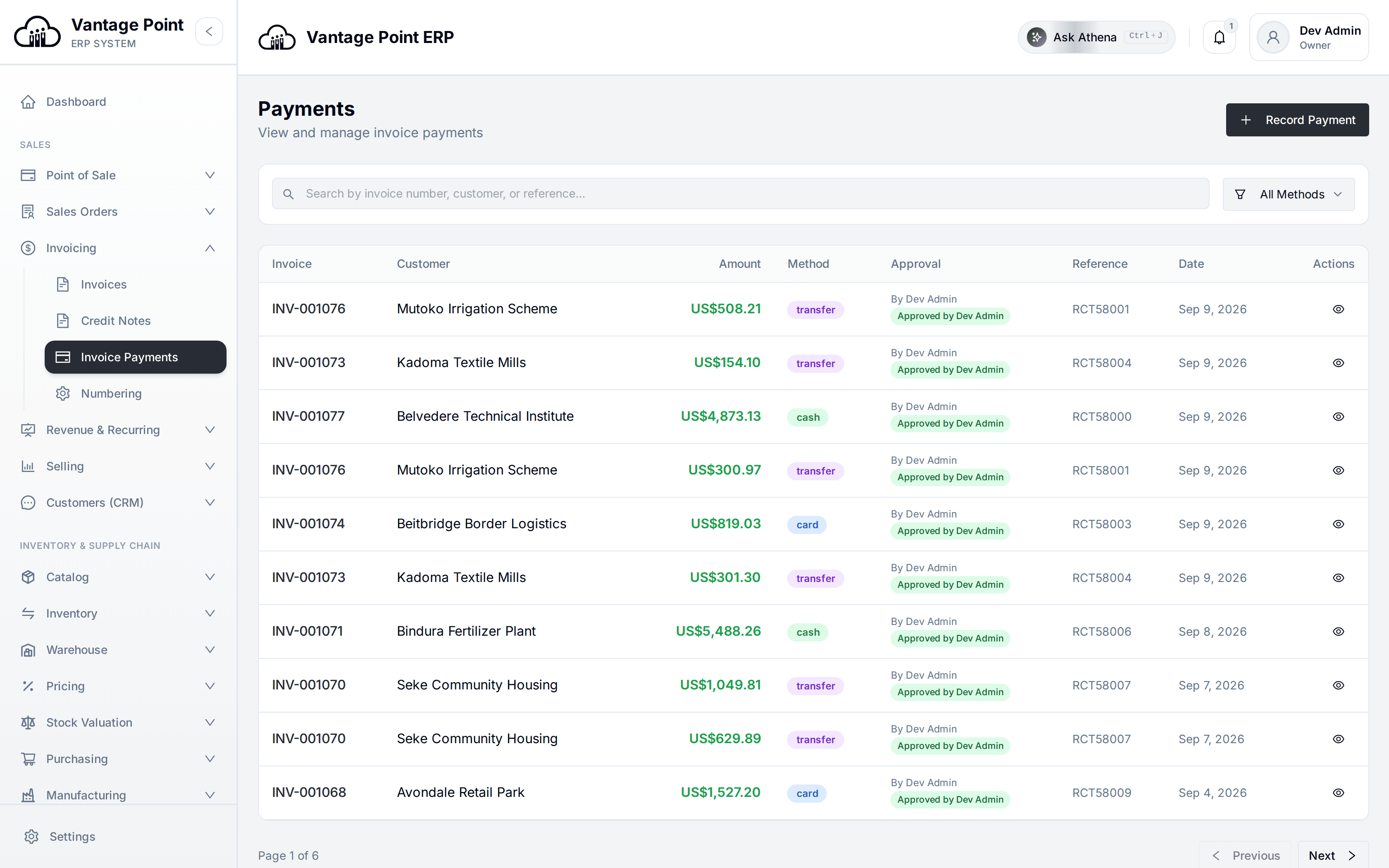
The rest of the paper trail is treated with the same seriousness. Credit and debit notes are issued against an invoice and reverse it cleanly, with no hand-written journals. Payments can be partial and allocated across several invoices, and — this is a distinction many systems get wrong — a payment and a credit note are recorded separately, so applying a credit never quietly erases a payment that was already received. What is still owed flows straight into debtors.
The whole revenue paper trail.
Issue it, send it, chase it, reconcile it. Every document links back to the customer, the contract price and the journal behind it.
Invoicing, asked and answered.
Are the invoices ZIMRA compliant?
Yes. Invoices that need to be fiscalised are submitted to the ZIMRA Fiscalisation Data Management System and carry a verification QR code on the printed document, so a customer or an auditor can check the invoice against ZIMRA's own records.
Can I put my own branding on invoices?
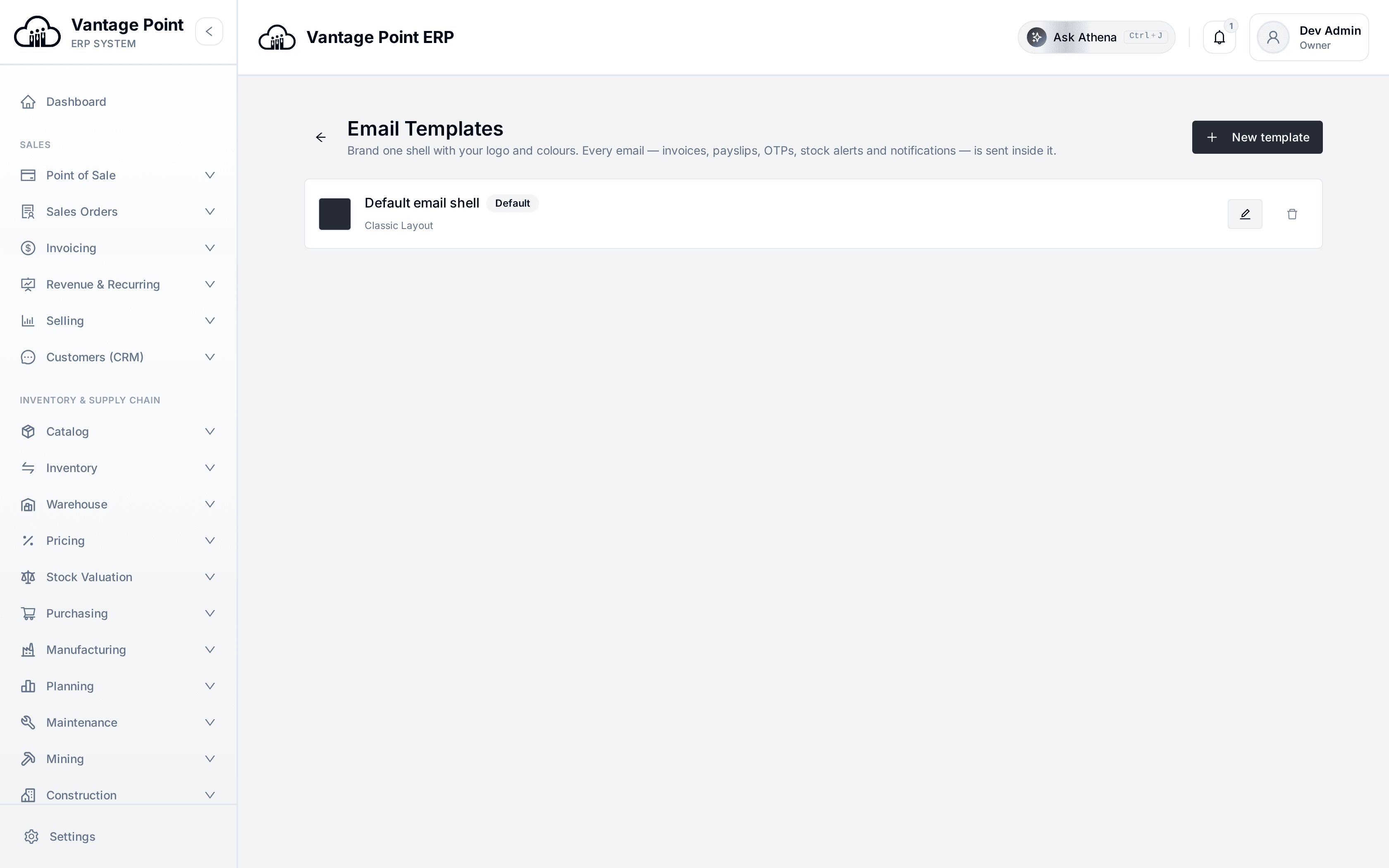
Yes. Ten professional layouts are supplied and each carries your logo, brand colours and company details, with a live preview while you set them up. The same branding is applied to the email that the document is sent in.
Can I invoice in a foreign currency?
Yes. The invoice is raised in the customer's currency with the exchange rate stamped on the document, and the conversion into your reporting currency is done in one place server-side, so the printed document and the ledger always agree.
How are part-payments handled?
A payment can be recorded for any amount and allocated across one or more invoices. The unpaid balance carries into debtor ageing automatically, and payments are tracked separately from credit notes so that issuing a credit never cancels out a payment already received.
Can I capture a supplier invoice from a PDF or a photograph?
Yes. Upload the document and extraction fills in the whole thing — header details, individual lines, tax and totals — and presents it for you to check before anything is saved.
Can statements go out on a schedule?
Yes. Any statement or report can be emailed on a cadence you set, to the people who need it, without anybody exporting a file and attaching it each month.
The rest of the system.
ONE LEDGER UNDERNEATH IT ALLTake the high ground.
Set up your first store, till and ledger in an afternoon.